Technical
How Codend works on a task
Its own sandbox, its own branch, your checks, and a pull request you review. A look at what happens between your prompt and the result.
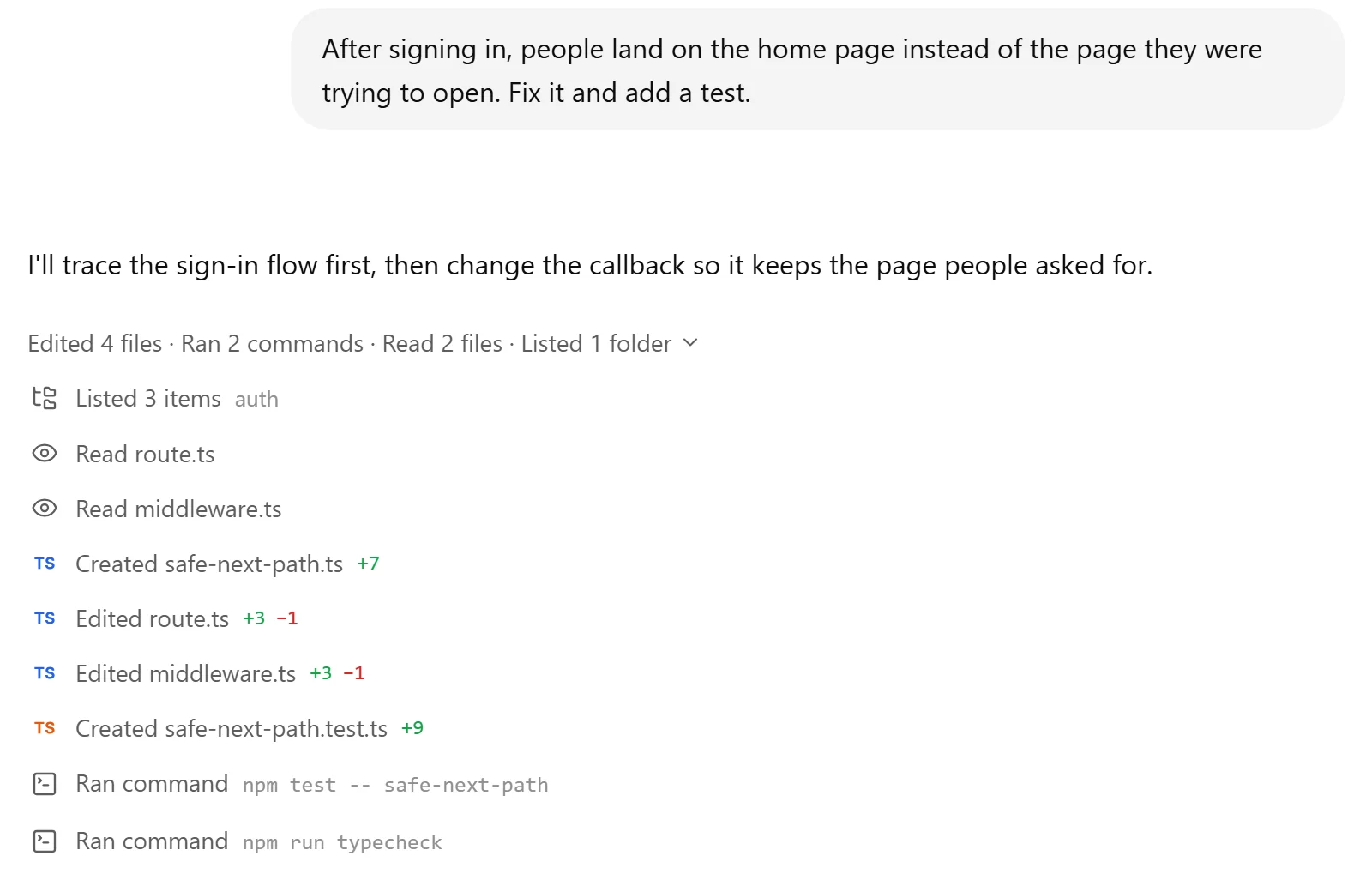
Handing work to an AI agent only makes sense if you can trust what comes back. Codend is built around one idea: the agent does the work, and you stay in control of what ships. Here is what happens between your prompt and the result.
1. A plan before any change
Codend starts by reading. It looks at the code that matters for the task and, for bigger work, writes down how it will do it. You can read the plan, correct it, or let it continue.
2. Its own sandbox
Every task runs in an isolated sandbox: a fresh machine created for that task alone. The agent installs packages, starts servers and runs commands there, never on your computer and never in another user's space. If your app has a preview, it runs live in the task panel while Codend works.
3. Its own branch
When a task works on a GitHub repository, Codend clones it into the sandbox and creates a branch just for that task. It never pushes to your default branch. Access goes through the Codend GitHub App, which you install on the repositories you choose, using short-lived tokens that are never written into the repository.
4. Your checks, until they pass
Codend runs your tests, type checks and build, the same ones your CI runs. When something fails, it reads the output, fixes the problem and runs them again. For websites, it also opens the page in a real browser to see what a visitor would see.
5. A pull request you review
The result arrives as a pull request with a summary of what changed and why. Your branch protections, CI and reviewers apply as usual. Merge it, ask for changes in the same chat, or close it.
What stays private
Your code and your tasks are yours. We don't use them to train AI models. When you share a task with a link, results from your connected tools and your attachments are left out of what others see.

 Codend