
Changelog
New updates and improvements to Codend.
Introducing Codend

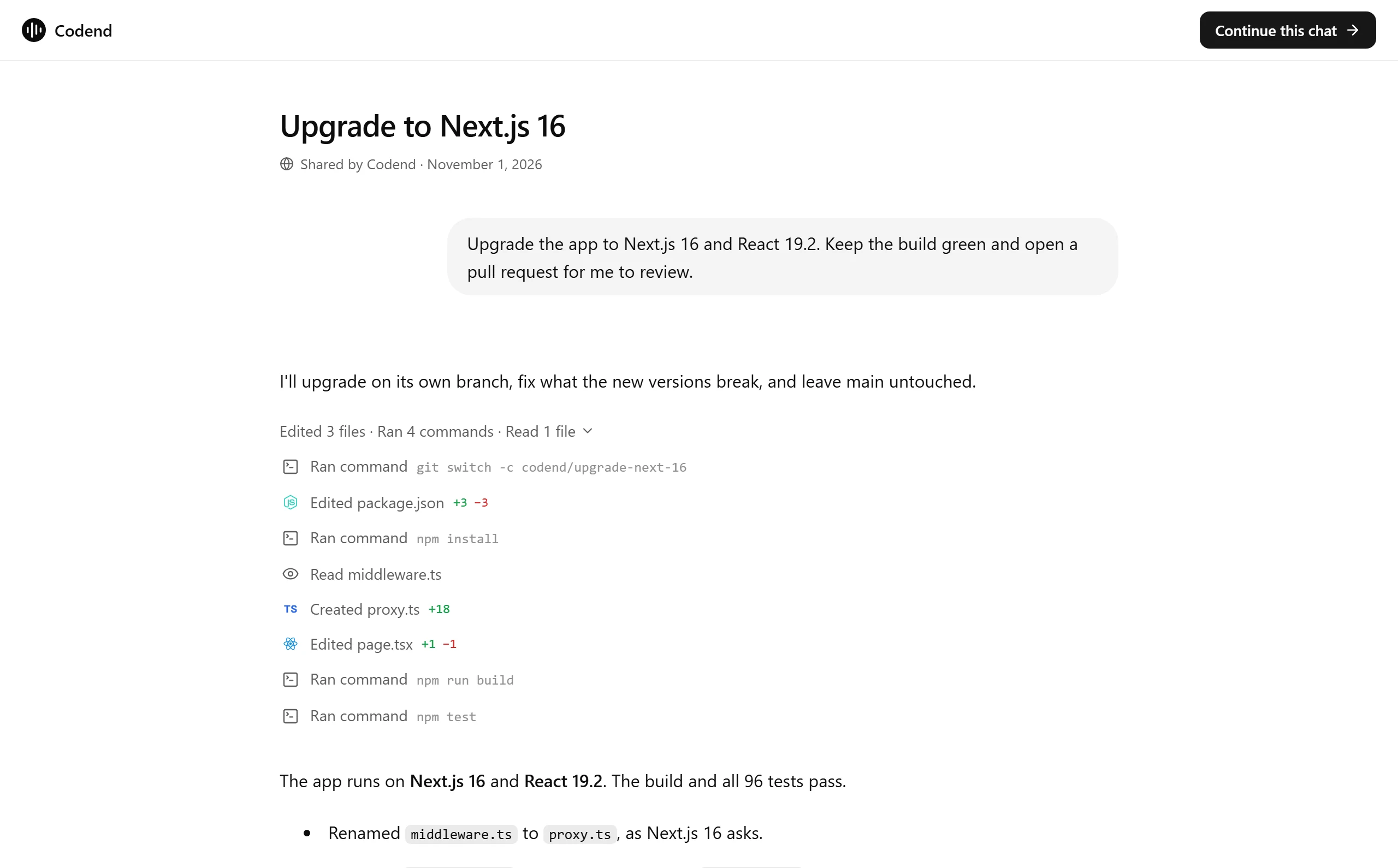
Codend is an AI agent for websites, code and automation. Describe a task in plain words, and Codend plans it, writes the code, runs it in its own sandbox and hands the result back for you to review. Today it is open to everyone.
Describe a task, get the work done
Every task gets its own sandbox: a real computer where Codend installs packages, runs your app and checks its own work. Follow-ups continue in the same chat, with everything the agent has already done.
See it as it happens
The task panel shows the work live: Preview runs your app, Code and Diff show every file and change, and the Terminal is the sandbox's own.
Work on your repositories
Connect GitHub and pick a repository. Codend works on its own branch, runs your checks and opens a pull request. Your main branch is never touched until you merge.
Publish in one click
When a site looks right, publish it to a codend.site link, keep it private with an "only me" link, or connect a domain you own.
Automations
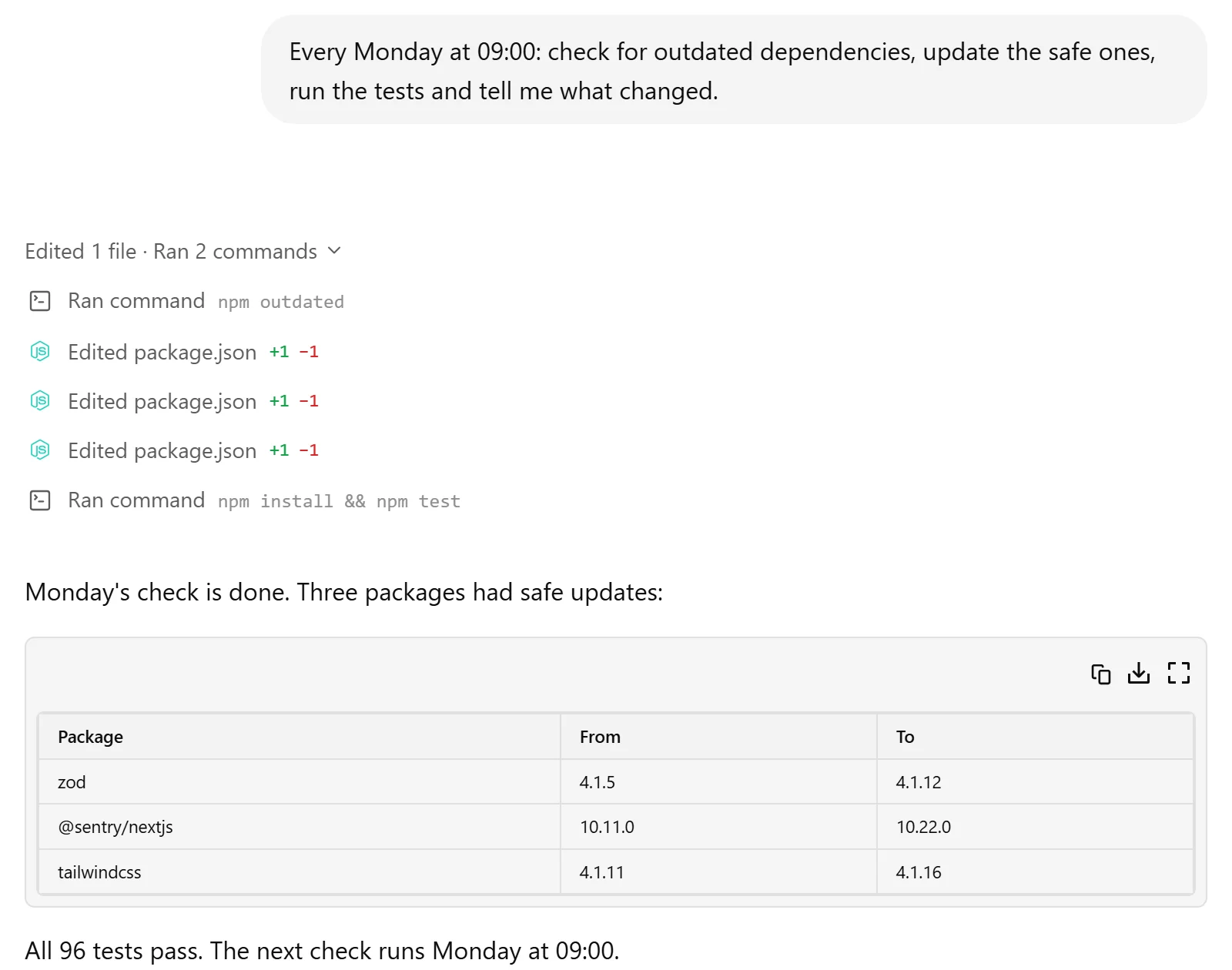
Put any task on a schedule. Codend runs it at the time you choose, such as a weekly dependency update or a nightly test run, and leaves the results for you.
Skills, memory and your tools
Teach Codend your conventions with skills, let it remember what matters across tasks, and connect GitHub, Notion, Supabase and more so tasks can read the context they need. Codend can also draw images for the pages it builds.
Plans
Start free with daily credits. Plus, Pro and Max add monthly credits, stronger models and more room for bigger work. See Pricing for the details.
Get started
Codend is available today. Create an account and give it your first task.
Private beta

Over the last weeks a small group of testers used Codend on real work. Their feedback shaped most of what ships today. Thank you.
Highlights
- Share a chat. Send a link to any task; whoever opens it can read it and continue it in their own account.
- Library. Every file from every task in one place, with search, favourites and filters.
- All tasks. Search, archive and restore everything you have worked on.
- Voice. Describe a task out loud, and Codend types it for you.
- Dark mode, keyboard shortcuts and a command menu with Ctrl K.